
Using WiCode Vouchers
Voucher payments allow customers to redeem third-party vouchers and promotions at participating restaurants. These vouchers are typically distributed through advertising or special promotions and can be applied to a sale at checkout.
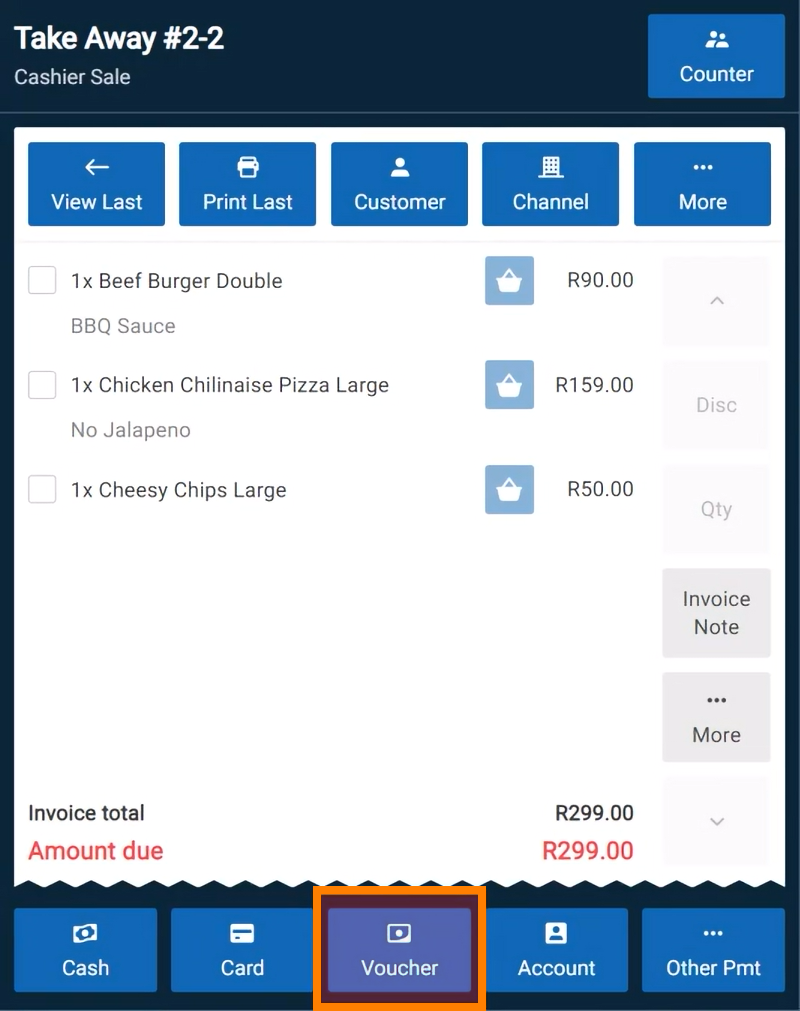
To process a WiCode voucher payment, ring up the customer's items and select the "Voucher" payment option.
Enter the WiCode voucher details manually or scan them if a barcode scanner is available.
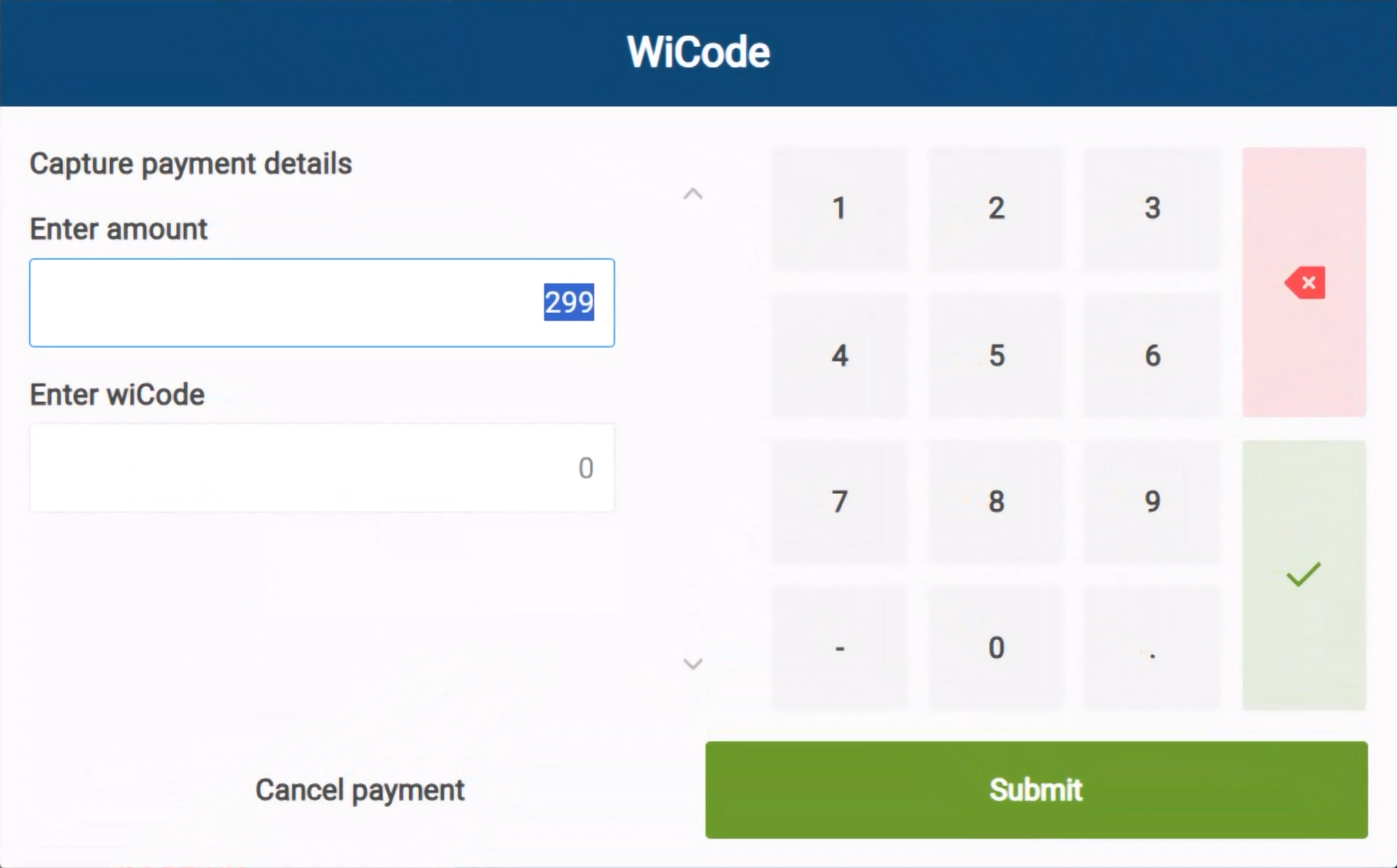
The voucher amount will be applied to the order, and the remaining balance—if any—must be settled using another payment method.
*Note: Currently wiCode is the only voucher type supported by CounterPOS, though more are expected to be added in future.