
How to switch between store and brand setting contexts in the portal
Some settings are controlled at the brand level, applying to every store within that brand. Other settings are store-specific, allowing each store to operate with its own configuration. Context switching allows users to move between these two levels.
Switching Contexts
If a user has brand-level access, they can switch between Brand Context and Store Context.
This is done under the User Menu in the top banner of the portal.
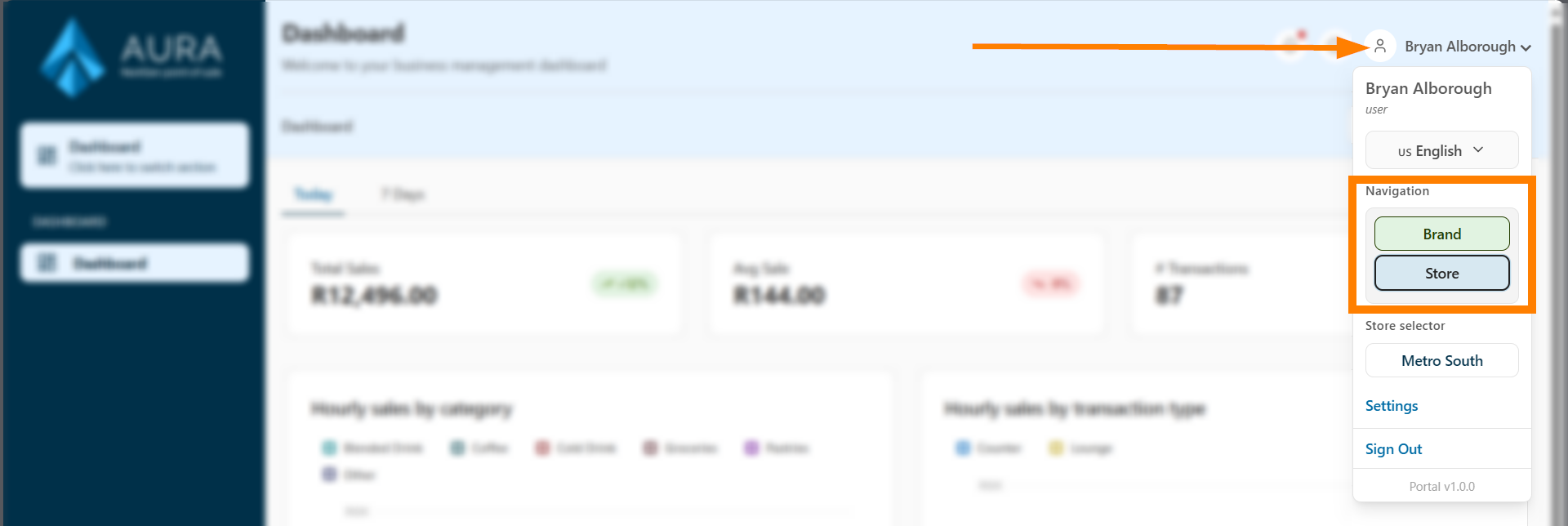
In Brand Context, users can also switch between any brands they have access to.
When switching, the available menu options change depending on whether the user is operating at brand or store level.
Visual Indicators
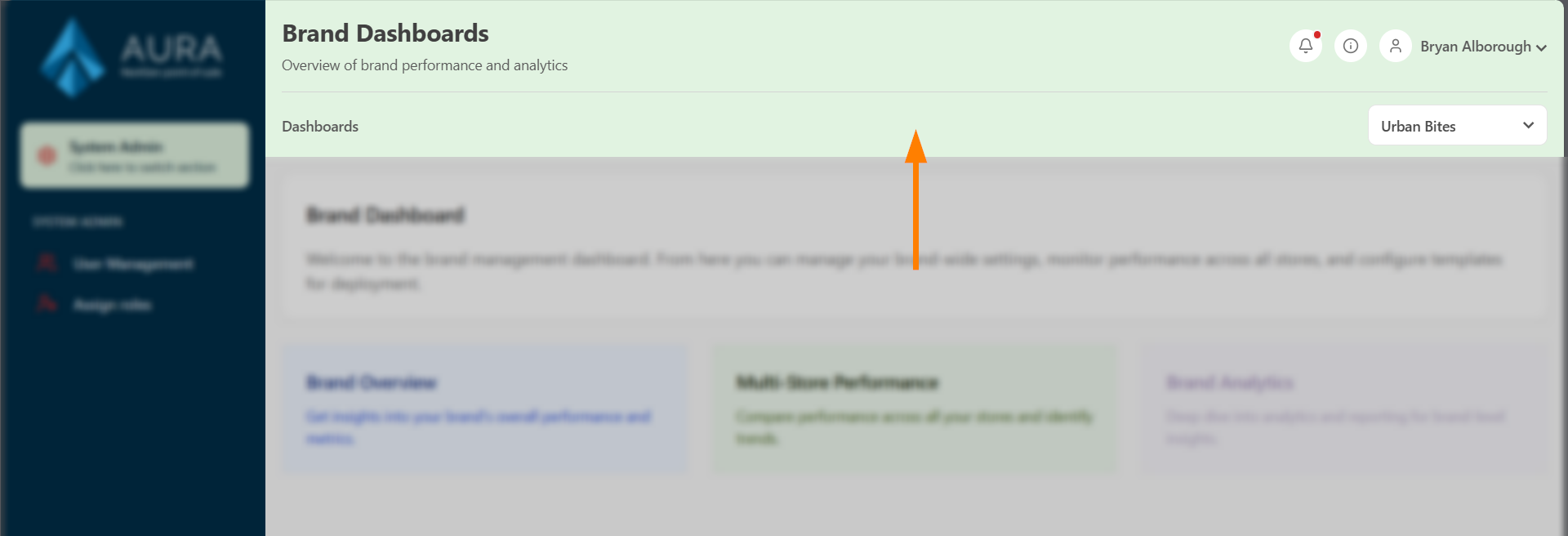
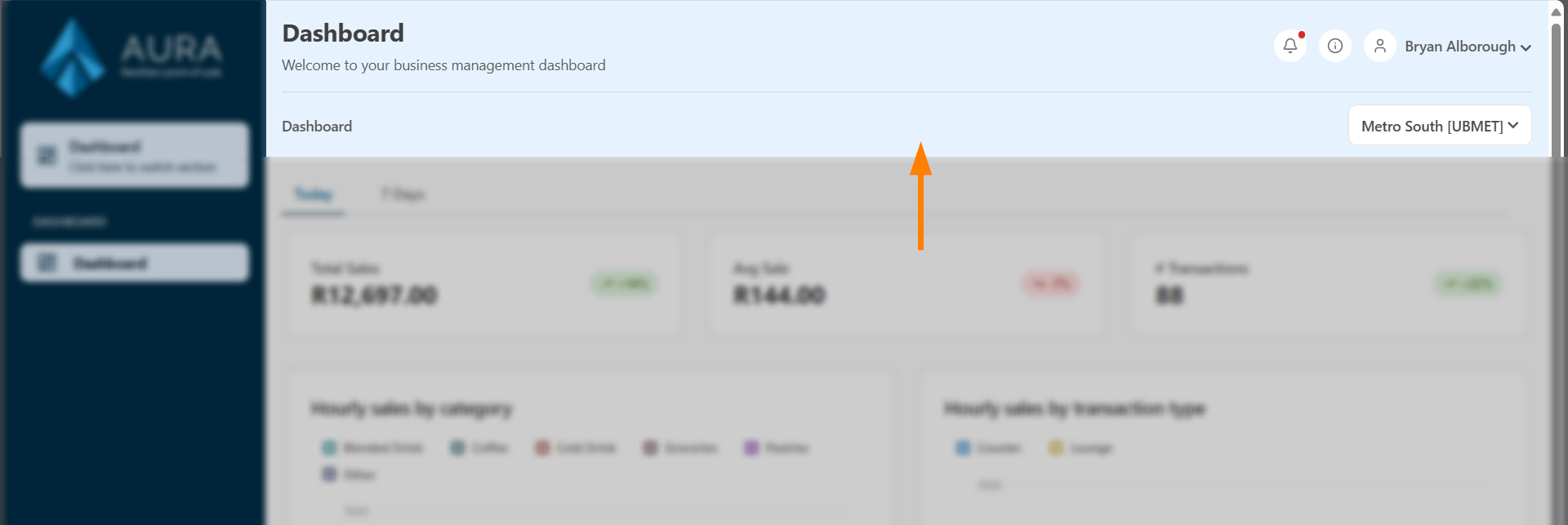
The portal uses banner colors to make it clear which context you are in:
A green banner for Brand context:
A blue banner for Store context:
Always pay attention to the banner color. If a feature or page seems to be missing, it may be because the portal is in the wrong context.