
User POS Properties
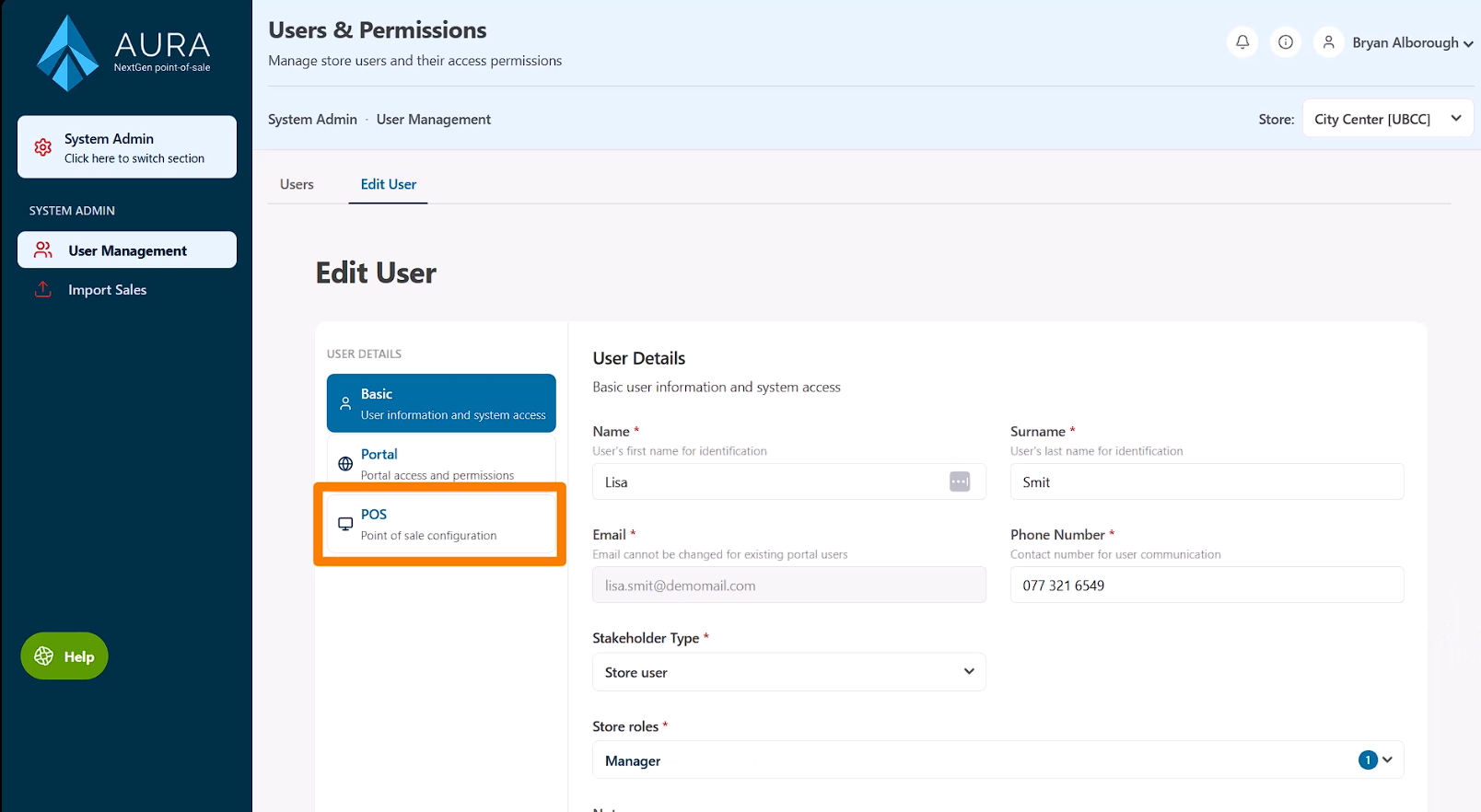
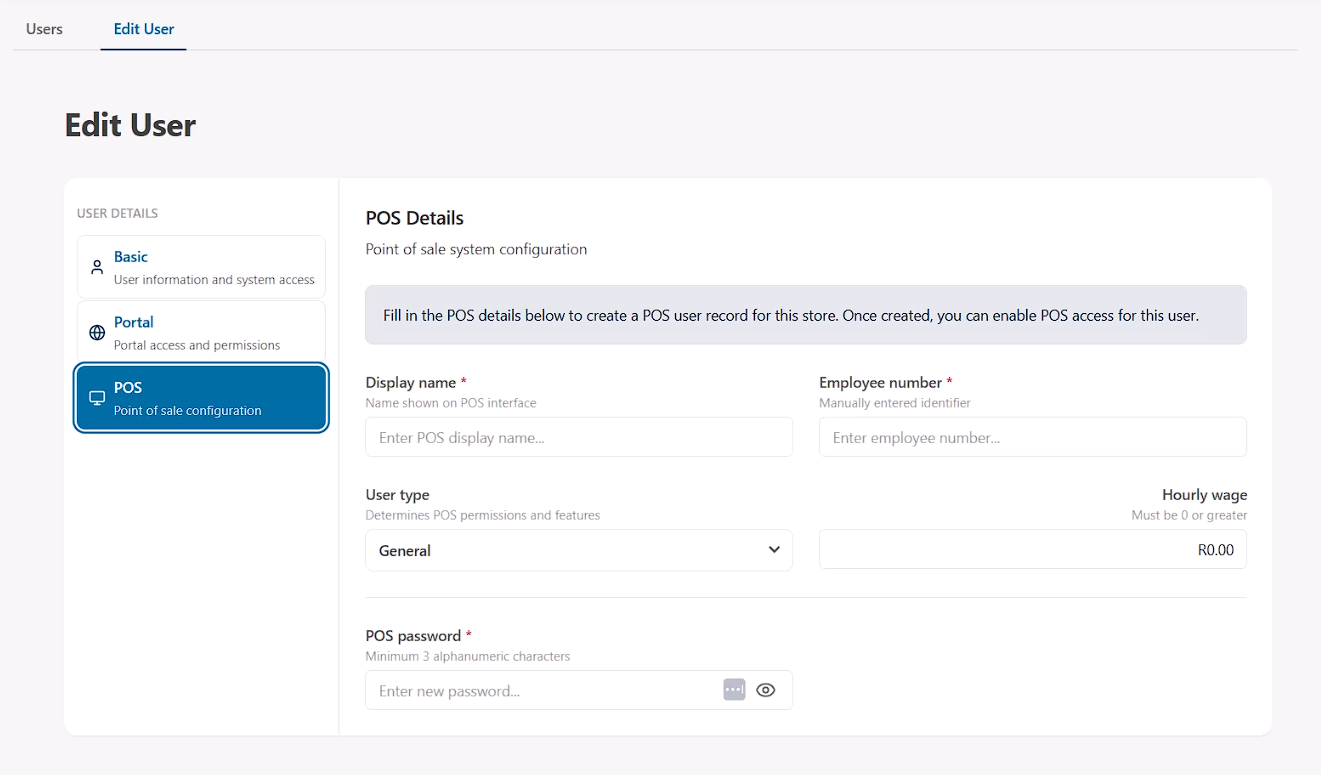
When editing a user, selecting the POS Properties tab opens the fields needed to define how the user interacts with the POS system.
Display Name
The Display name is a shorthand name used within the POS system and printed on customer receipts.
This is typically a simplified version of the user’s name.
For example, a user named Alexander might use the nickname Alex, or simply their first name.
User Type
The User Type determines how orders can be assigned within the POS.
- General – The default type used for roles such as cashiers or managers. Delivery and table orders cannot be assigned to this type.
- Driver – Used for staff responsible for delivery orders.
- Waiter – Used for staff responsible for table service orders.
POS Password
The POS Password is the code used by the user to log in or access certain restricted activities in CounterPOS.
Passwords must contain 3 to 5 digits. These can be alphanumeric (numbers or letters), but using numbers only ensures the password can be entered easily on the numeric keypads in the CounterPOS interface.
Employee Number
The Employee Number is a unique identifier used by the POS system to reference the user.
This value can contain letters or numbers, but cannot include special characters such as !, #, or other symbols. It must be unique and cannot match another user’s employee number
Hourly Wage
If the employee is paid hourly, their hourly wage rate can be entered here. This information can be used for internal tracking or reporting purposes.