
Lounge Transactions
To start, select the "Lounge" transaction type from the order type selector on the Sale screen.
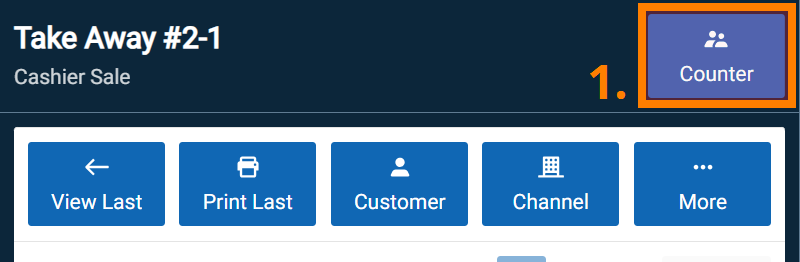
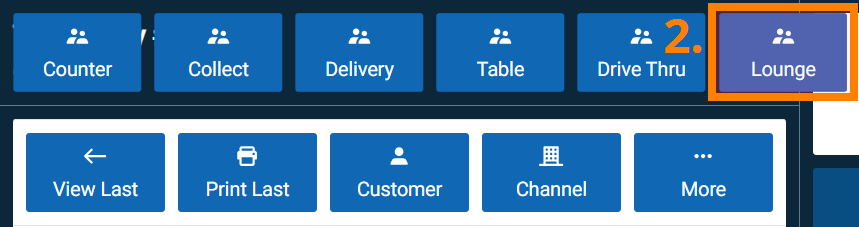
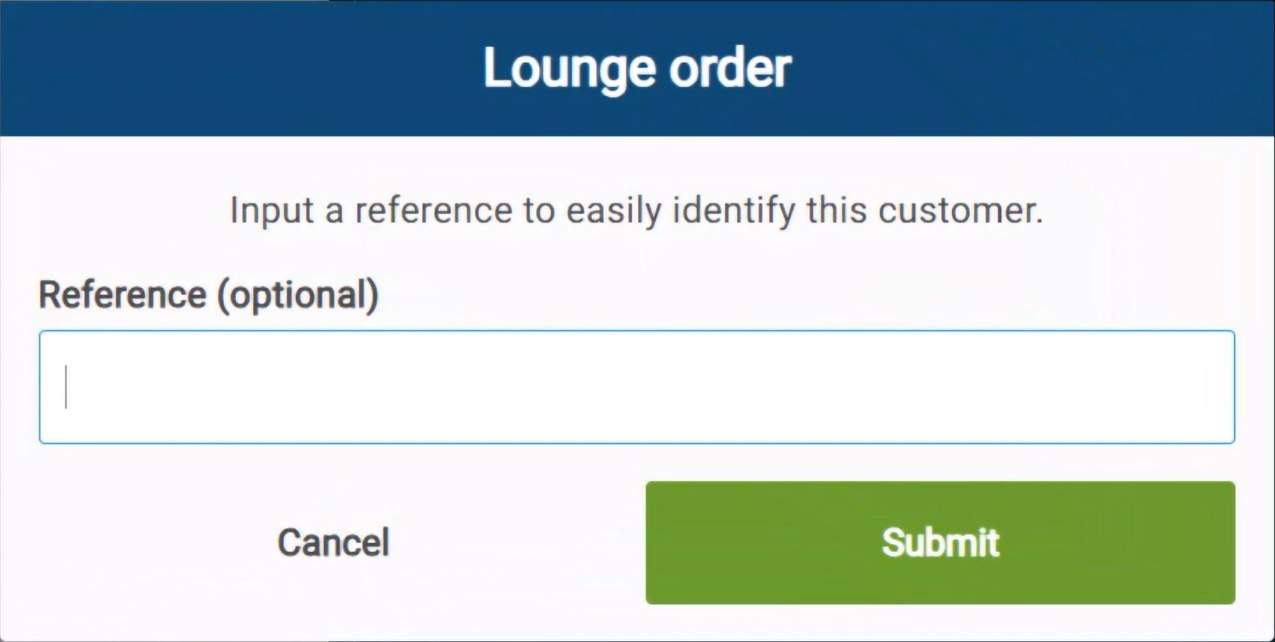
You’ll be prompted to enter a reference, such as a customer’s name or a unique identifier. While optional, this helps keep track of lounge orders.
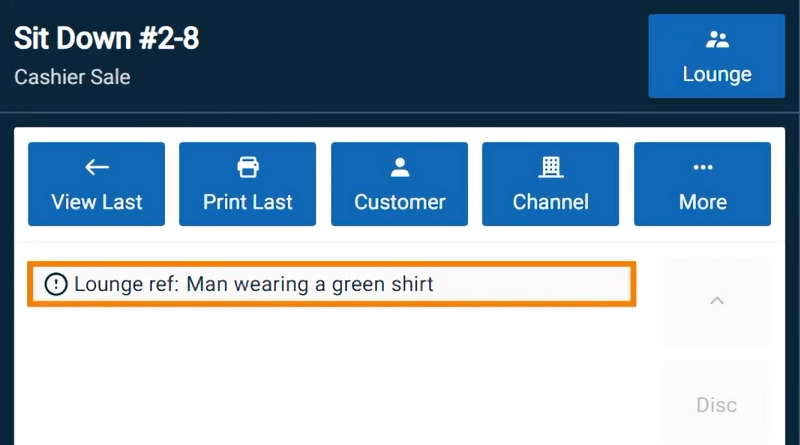
Once entered, the reference appears in the invoice details.
Ring up the items and send the order to the kitchen. If needed, you can add more items later, but items that have already been sent cannot be removed or changed. If a customer wants to remove an item, the invoice must be voided and re-entered.
When the customer is ready to pay, navigate to the order and record payment. After payment is received, fulfil the order to confirm that the items were handed over. This ensures the sale is included in the shift’s cashup.