Managing suppliers
The Suppliers page allows you to manage and record your store’s stock suppliers. This information is used when recording stock purchases and returns, and it enables reporting on purchases by supplier.
Viewing Supplier Information
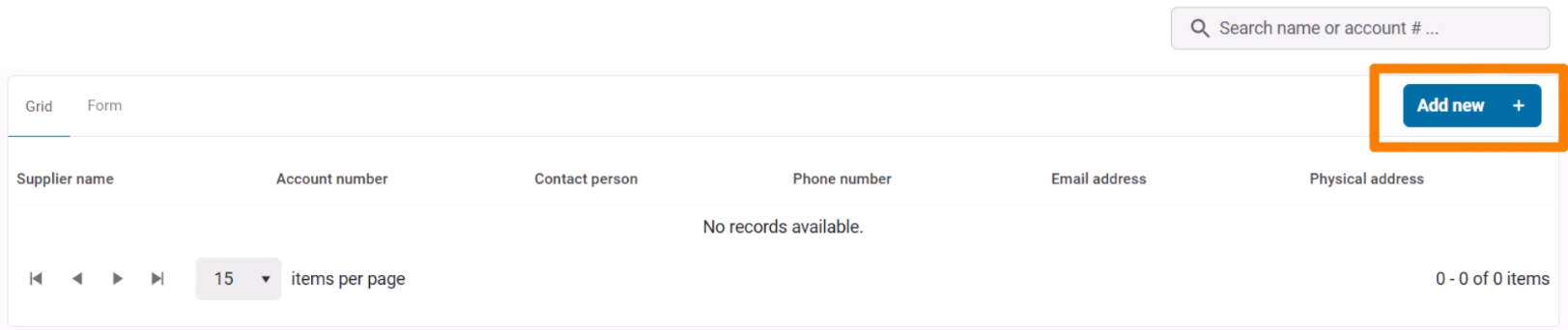
When you open the Suppliers page, you will see a table listing any suppliers that have been added. If no suppliers have been added yet, the table will be blank.
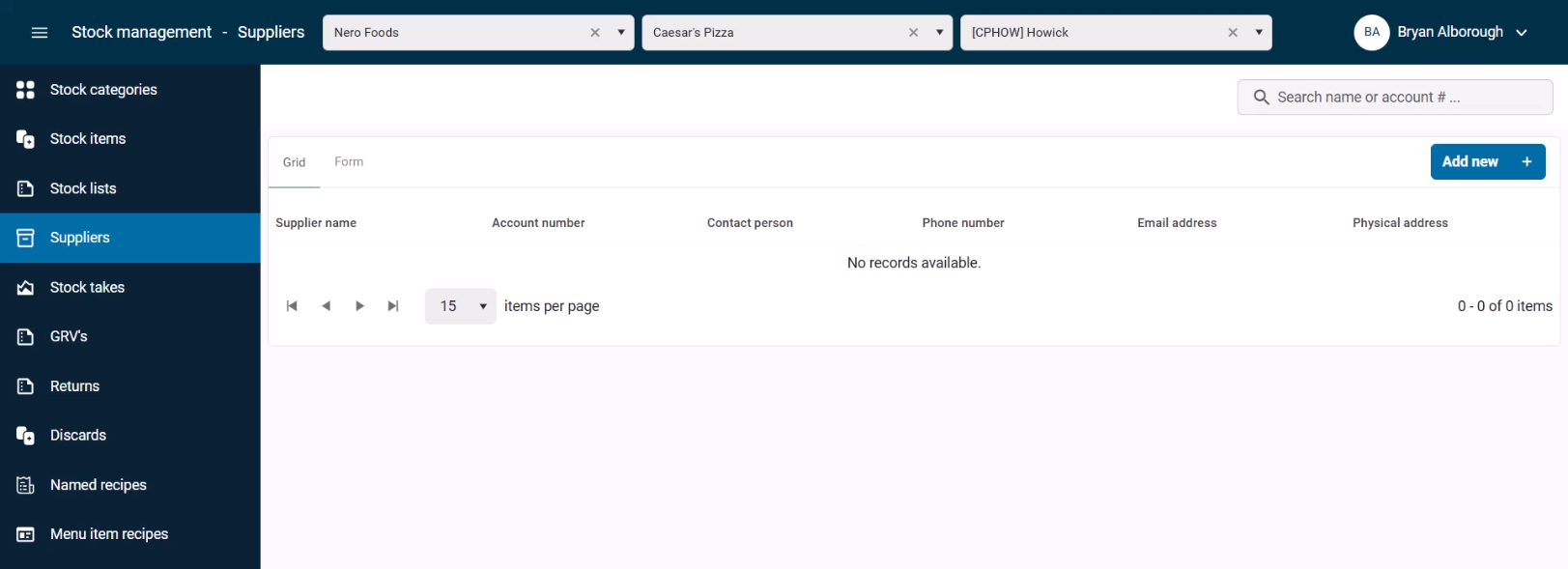
The table will list the following supplier information:
- Supplier names
- Account numbers
- Contact details
- Addresses
Click an existing supplier to edit it, or add a new supplier with the steps below.
Adding a New Supplier
To add a new supplier:
- Click Add New.
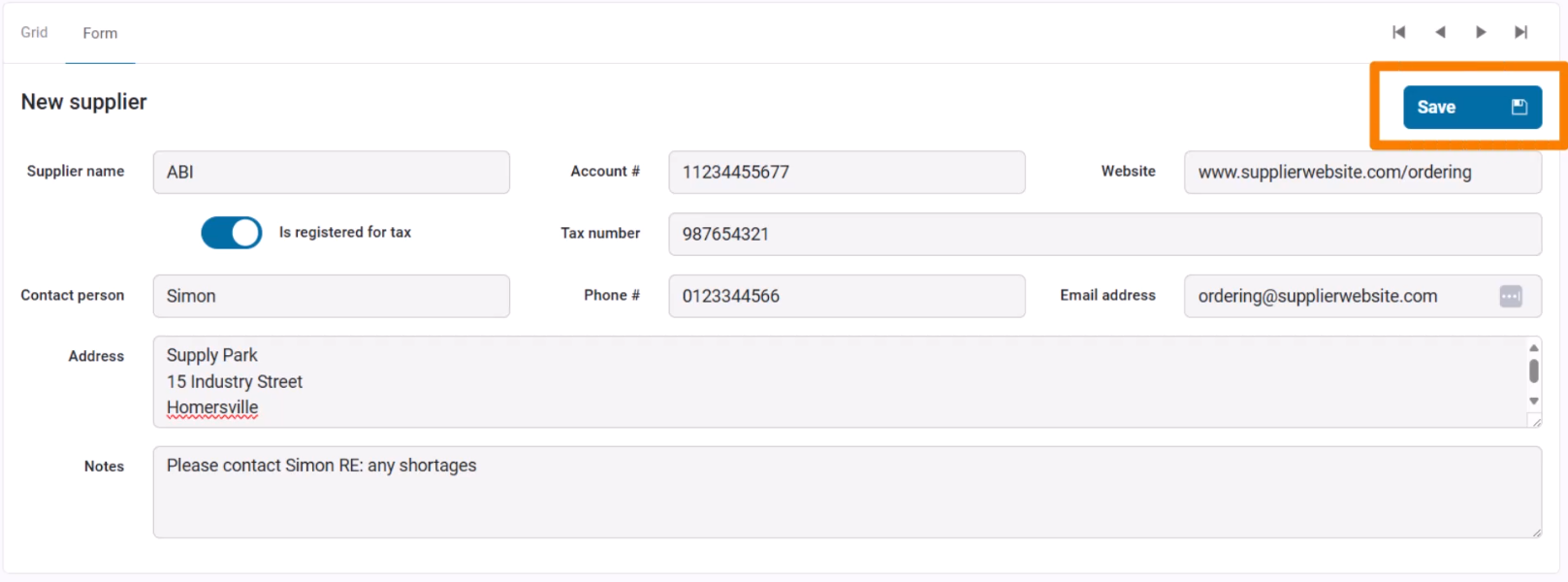
- Enter the Supplier Name, Account Number, and Website (if applicable).
- If the supplier is registered for tax, check Is Registered for Tax and enter their Tax Number.
- Provide the Contact Person’s Name, Phone Number, Email Address, and Physical Address.
- Add any additional notes in the Notes field if needed.
- Click Save to add the supplier.