The 'My Profile' page
Clicking on the User Name at the top right of the Portal UI will open the My Profile page.
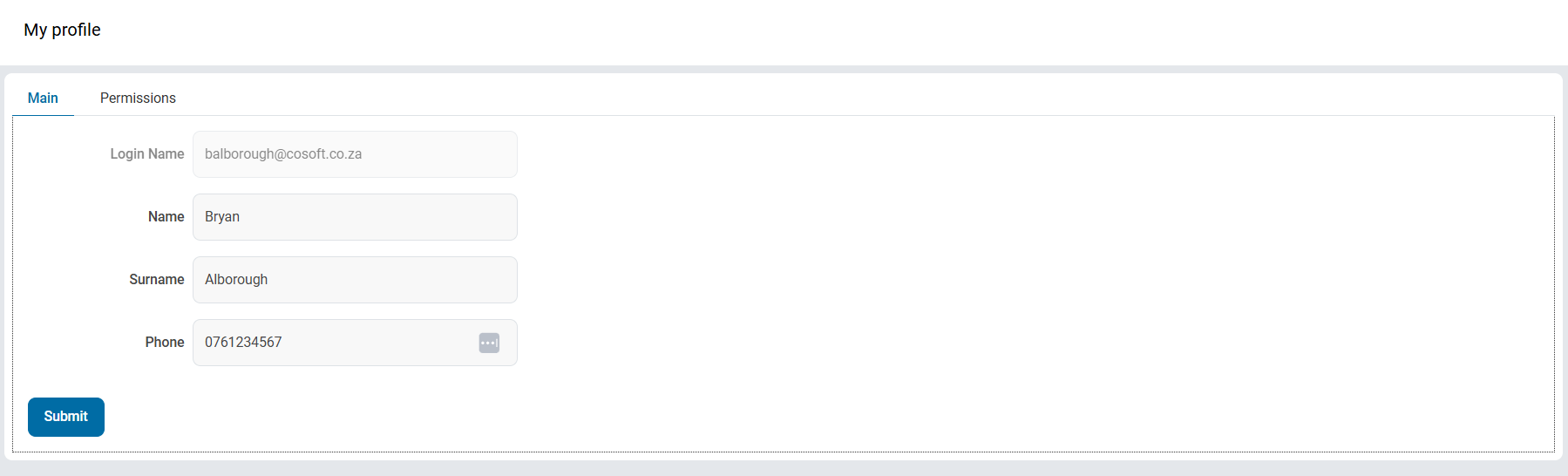
Main
This page allows the user to view their Login Name, and edit their Name, Surname, and Phone number. After making any changes here, click Submit to save them.
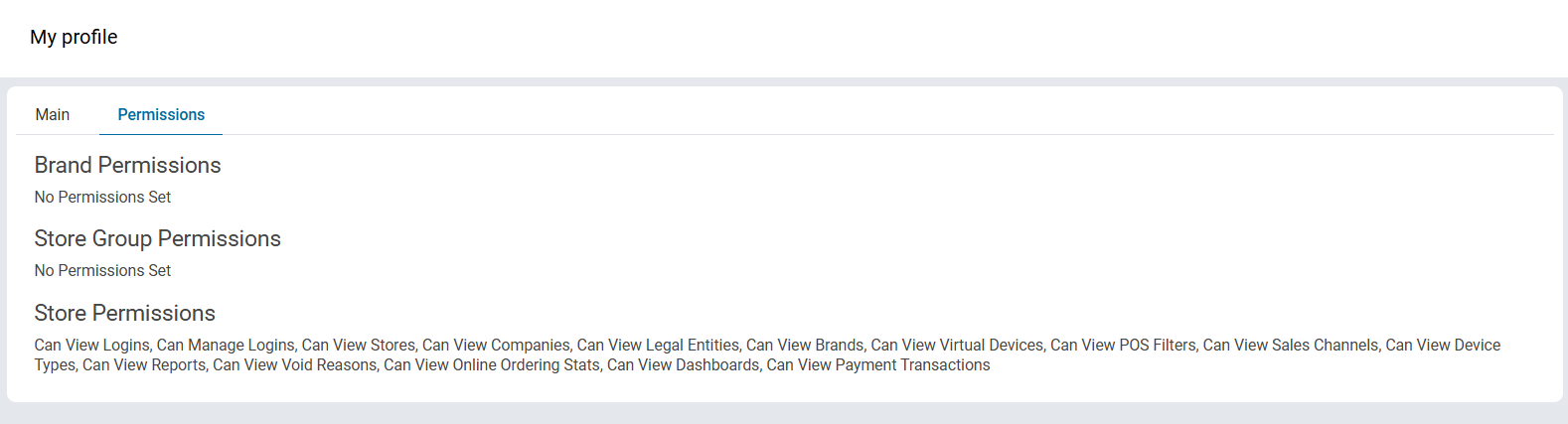
Permissions
Clicking the Permissions tab will show a list of permissions that this user has. These Permissions are dependant on the users' assigned Roles, and are set in the User Roles and Permissions page.