
How to set up a customer display image
CounterPOS has the option to set up a display image for POS devices with front-facing screens. Follow this guide to set it up.
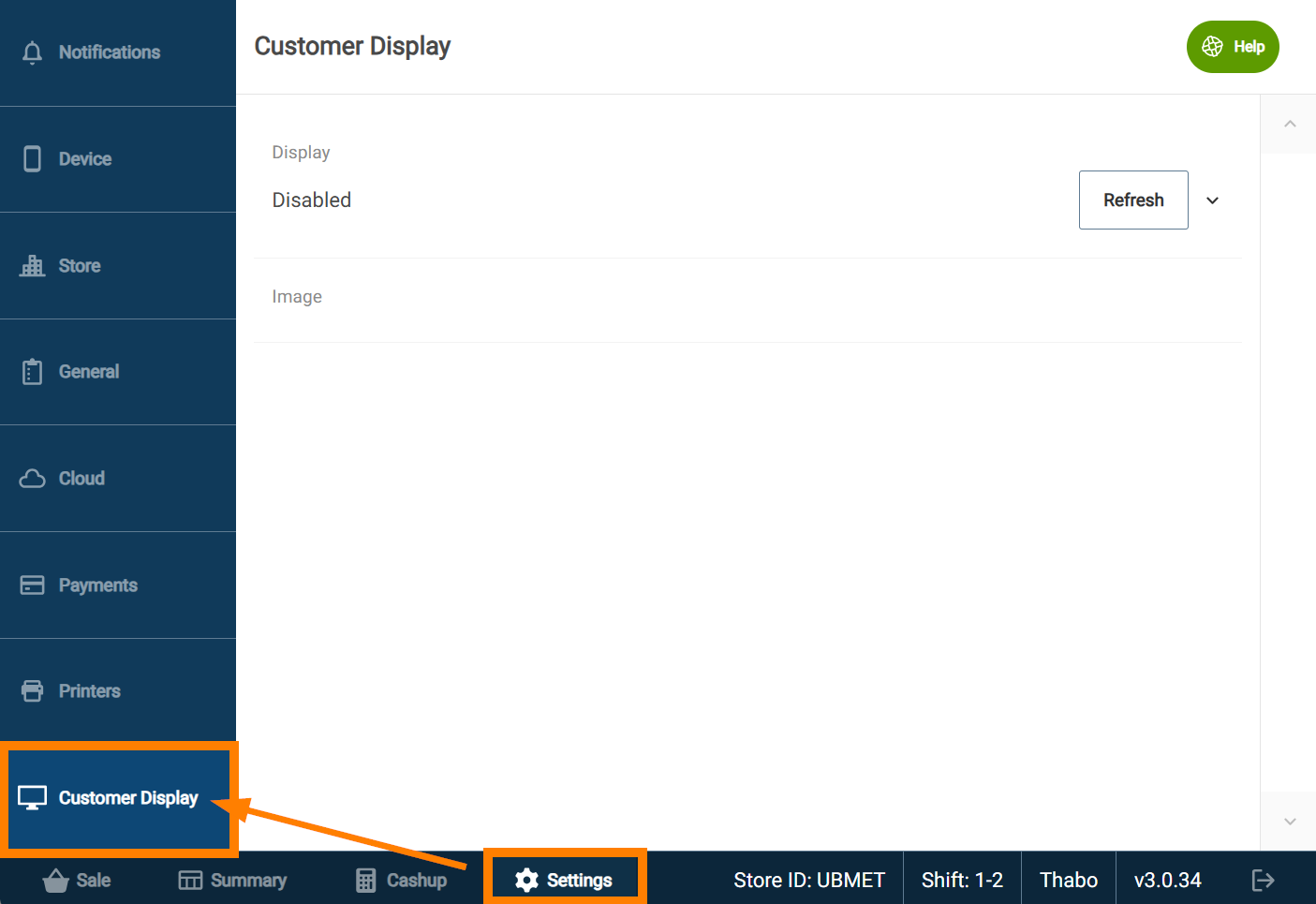
In CounterPOS, tap the ⚙️Settings tab to open the POS settings.
Then, tap Customer Display.
Tap the expand list icon to view available monitors.
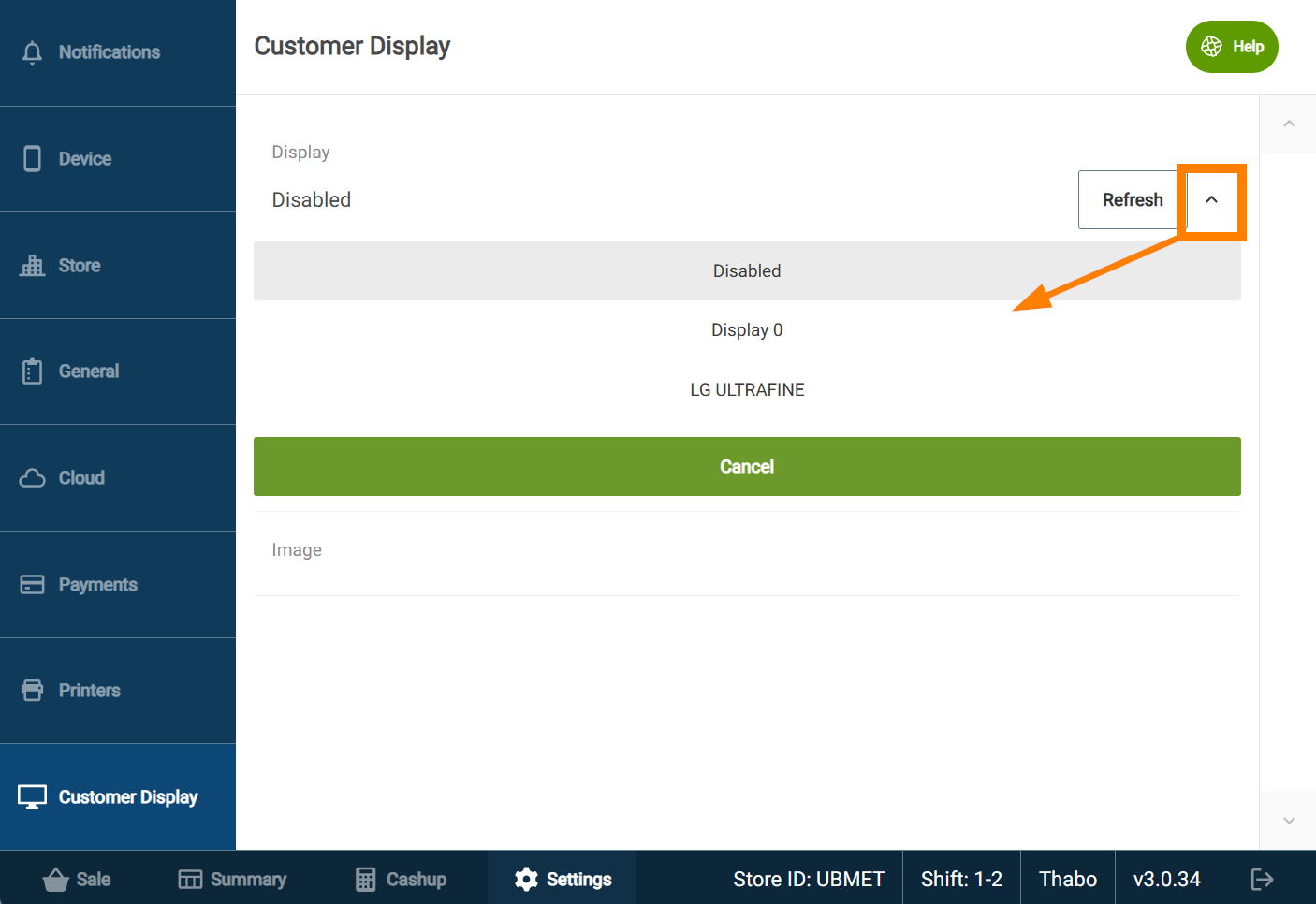
Select the display that you want to display the image.
Next, tap Image and select the image that you want to use from the device's file system.
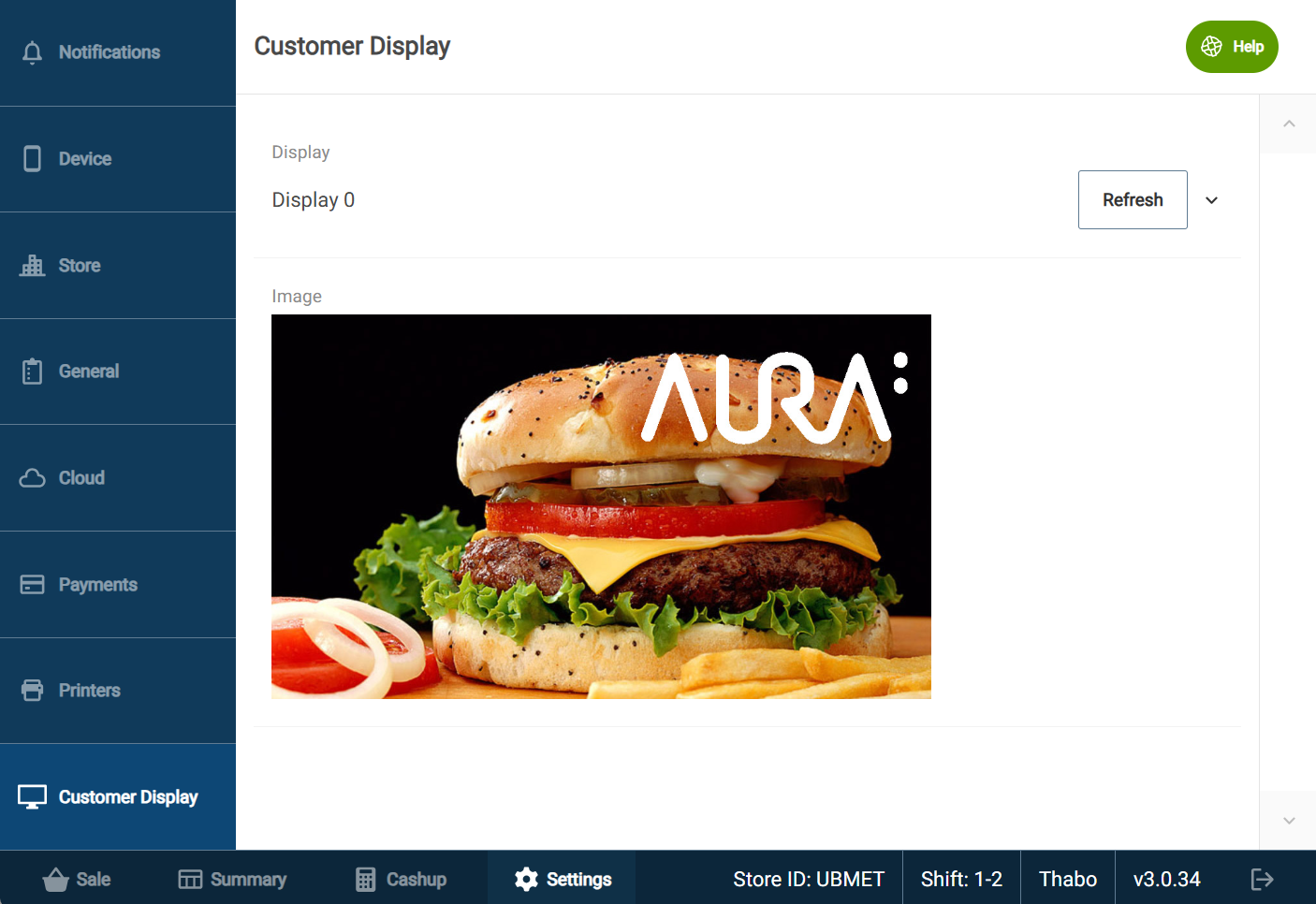
The POS will update to display the image immediatelly