
Publishing your menu
Once you have set up your menu, publishing will apply your changes and make the menu available on your CounterPOS devices
Once you have set up your menu, in the Menu maintenance page (Menu > click “Publish Menu”.
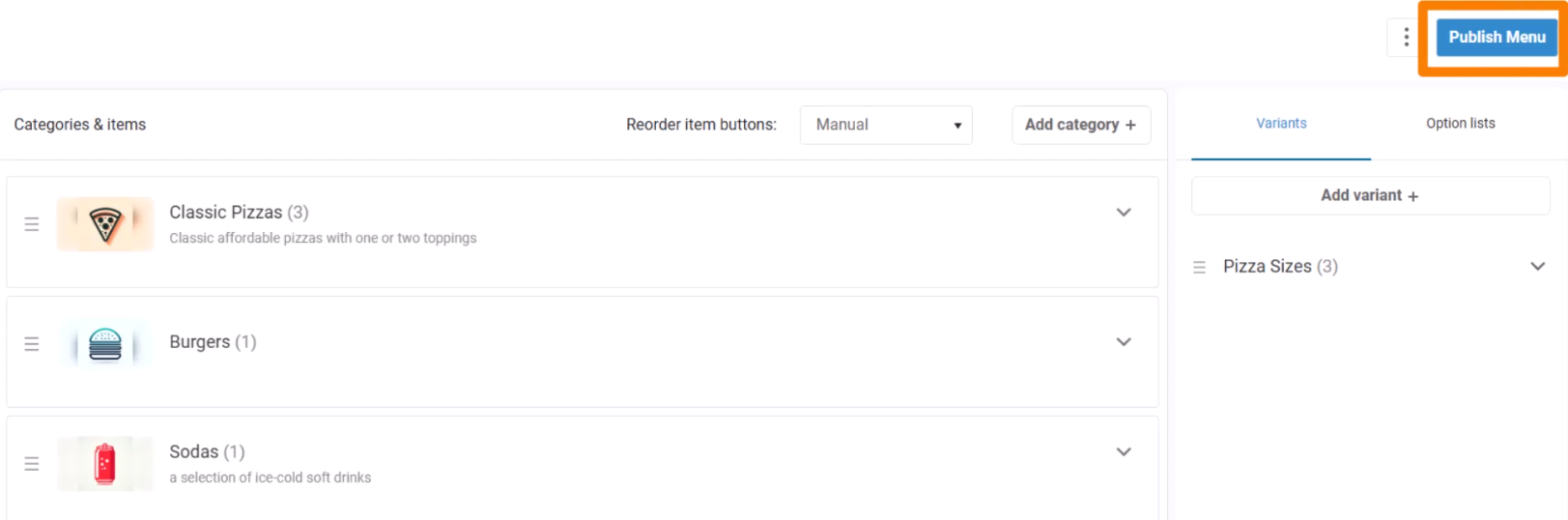
This will open a panel asking 'Are you sure you want to go live with your menu changes?'.
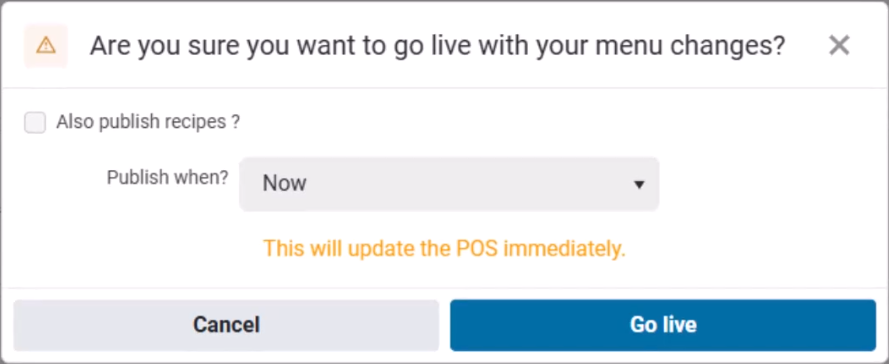
You will have the option to Also publish recipes - set this if you want to include any updates to recipes you may have made in the Named recipes or Menu item recipe pages.
Next, you have the “Publish when” option, which lets you choose when you want the menu changes you've made go live to your POS devices.
- Publishing Now will update the menu immediately.
- Selecting Future Date/time lets you specify a publish date for your changes to go live. This is useful if you want to, for example, create a change for a new weekend special. You can make the change earlier in the week, and then schedule the new menu to go live on Saturday morning.
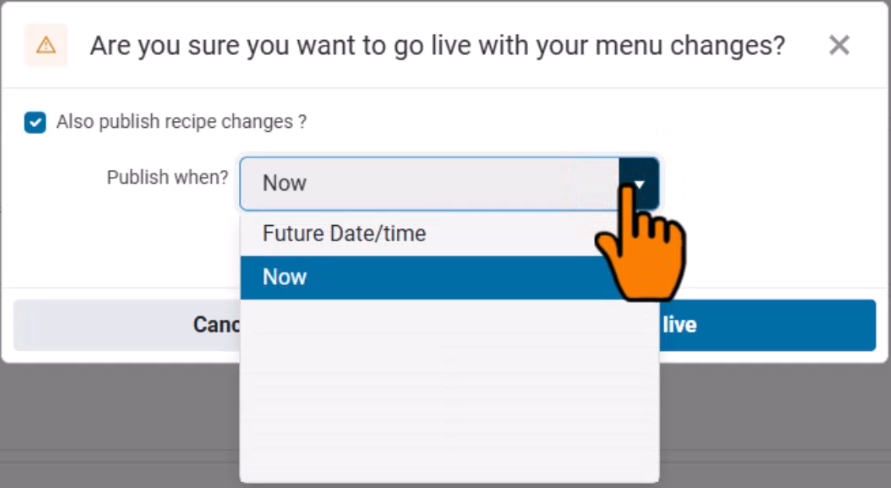
When you’re ready, click Publish to commit the changes.