
CounterPOS Maintenance Alerts
CounterPOS performs regular maintenance to keep the system running efficiently. This process, called database maintenance, helps speed up the application by clearing out local records that have already been synced to the cloud.
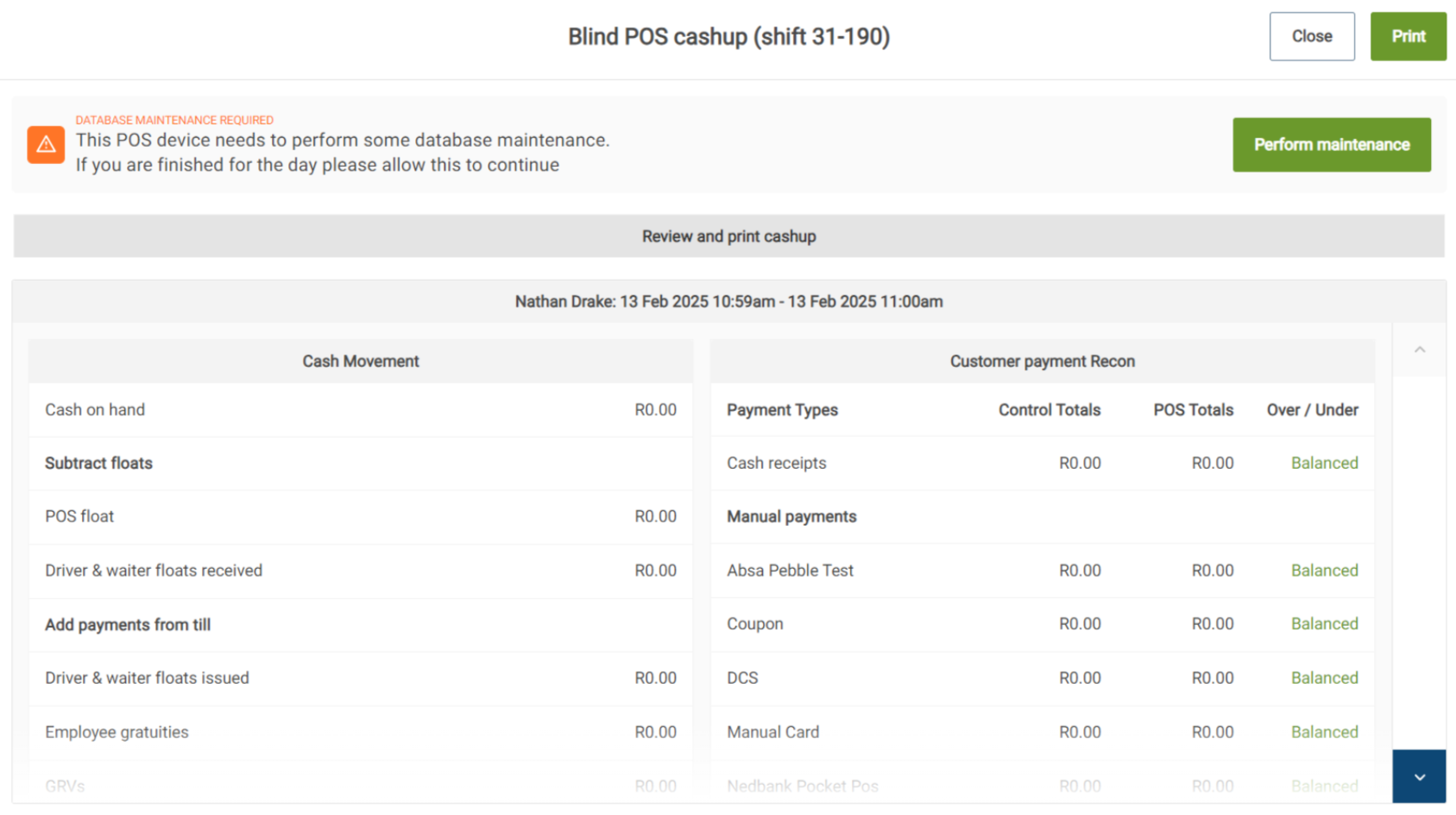
How Maintenance Works
- Maintenance is device specific. Each CounterPOS device will require its own maintenance, and some devices may need it more frequently than others, depending on usage.
- The system prompts for maintenance in the evenings after cash-up.
- You can skip maintenance up to five times. After that, the procedure will run automatically on startup. Skipping maintenance repeatedly will make the next process take longer.
- For Kitchen Display Systems (KDS), the maintenance prompt appears when shutting down. If not done at that time, it will automatically run at the next startup.


What to Expect
- Once maintenance starts, the process will complete in a few minutes.
- After clicking Perform maintenance, the CounterPOS device will become available to use again, but any sales will not be synced to the cloud until the maintenance process is done.
- Regular maintenance ensures smooth performance and prevents slowdowns. It’s best to allow the process to run when prompted to keep your system in the best condition.