
Discarding stock
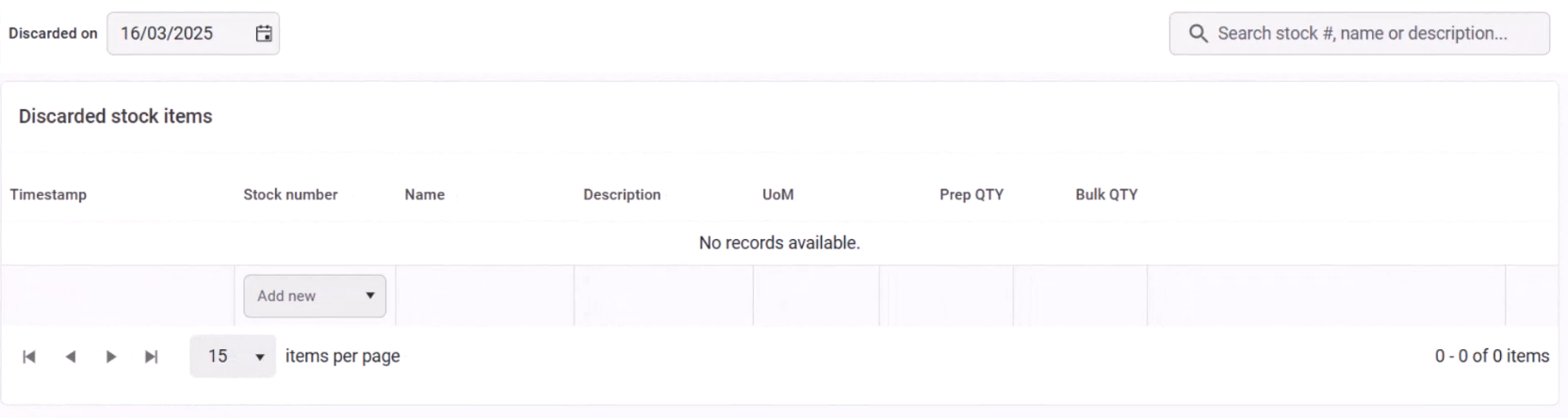
The Discard page is used to log stock items that have been discarded due to accidents, expiration, or general wastage.
Viewing Discarded Stock
The page displays a table of discarded stock items, where you can:
- Edit items directly in each row.
- Select a date to view discards from a specific day.
Logging a New Discard
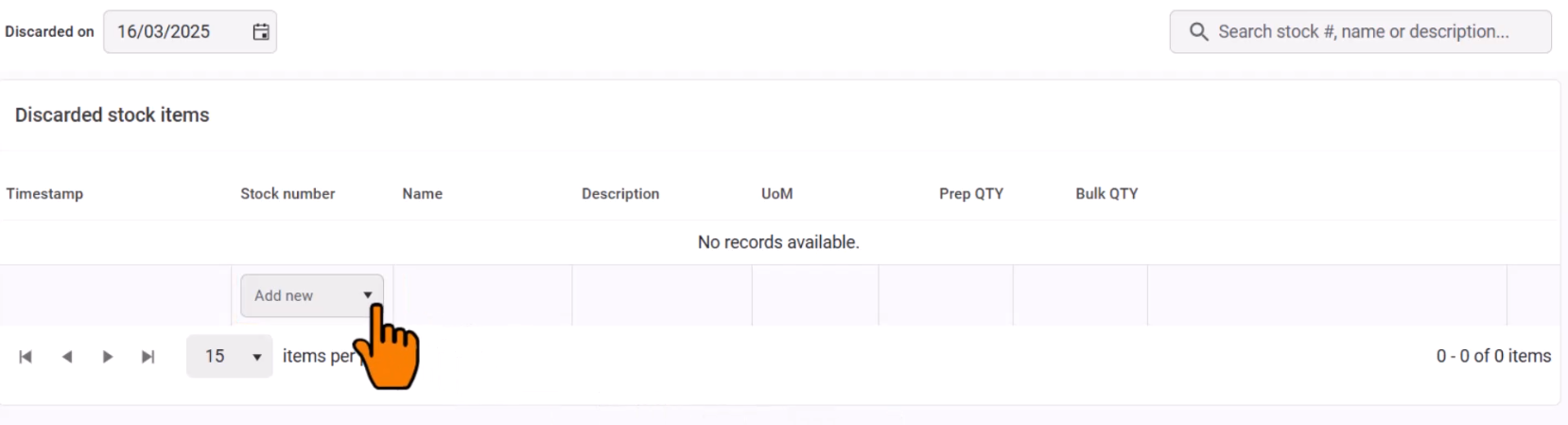
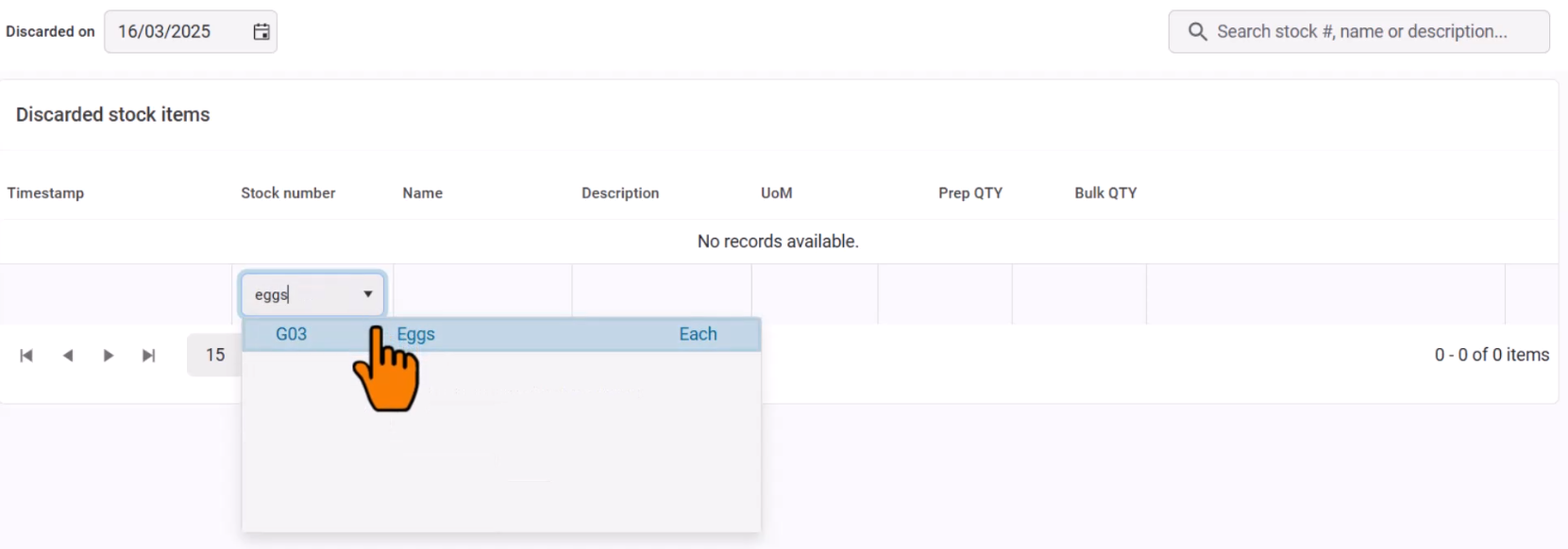
- Click Add New to open a searchable stock list.
- Start typing the stock item name to find and select it.
- Set the date and time of the discard.
- Enter the Prepped or Bulk quantity of the discarded item (important if wastage applies).
- Add notes to record the reason for the discard.
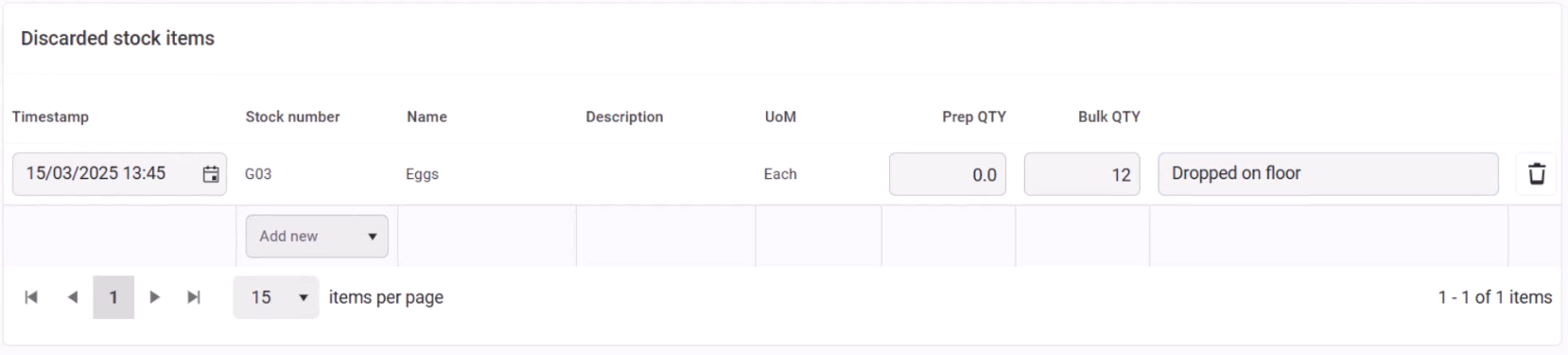
If needed, a discard entry can be removed using the Delete button.