
Introduction to Recipe Management
Recipe management is a crucial part of both stock control and menu design. Recipes are managed at the Brand level, so the user must be logged into the Brand view of the portal before accessing the recipe management page.
To navigate there, open the Section Menu, select Menu Management, then select Recipes.
The Recipes Page
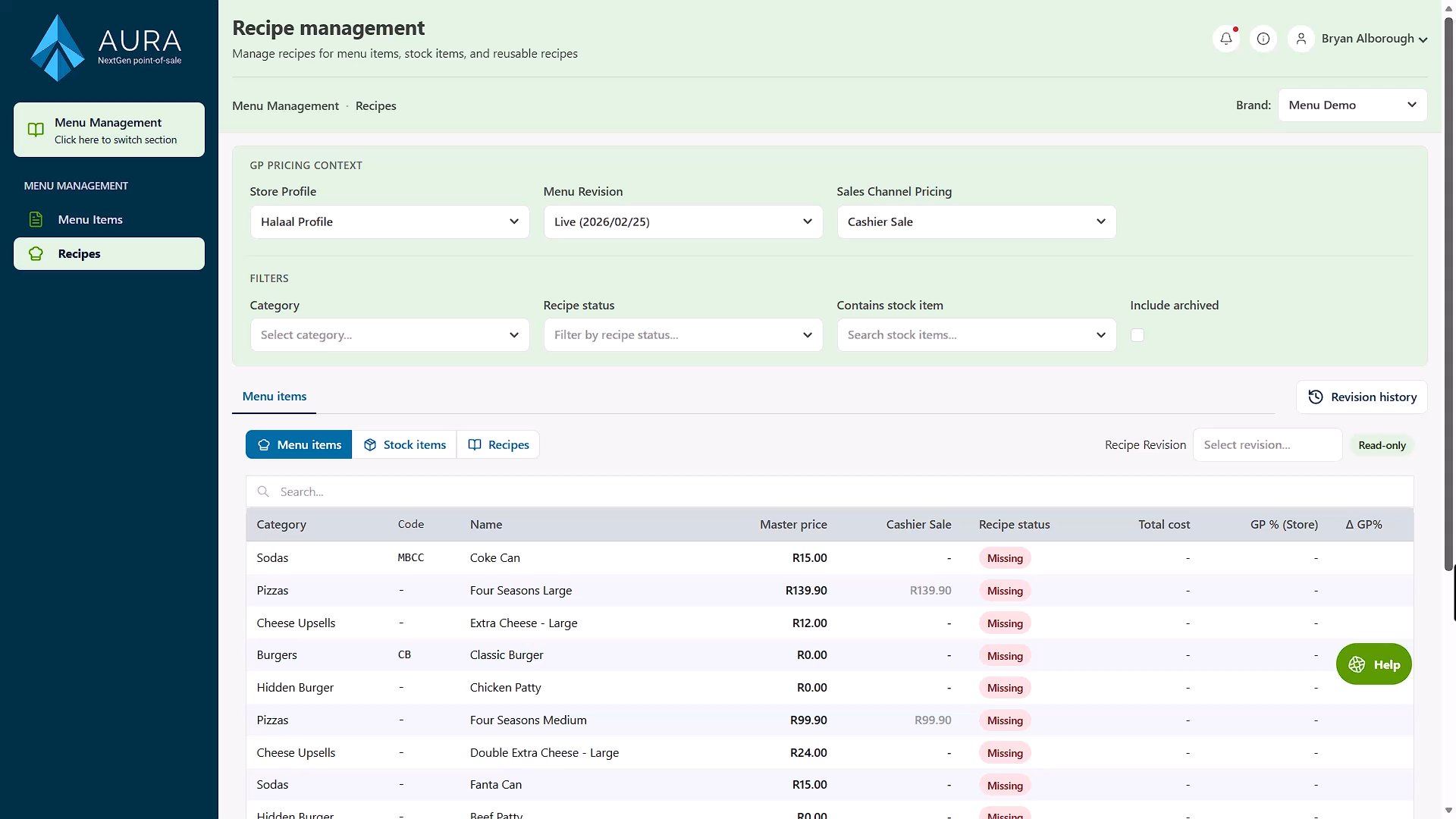
The Recipes page provides an overview of a brand's recipes and the menu items and stock items they are linked to.
Pricing Context
At the top of the page are options for Pricing Context — the parameters used to calculate the GP (Gross Profit) figures displayed against menu items below.
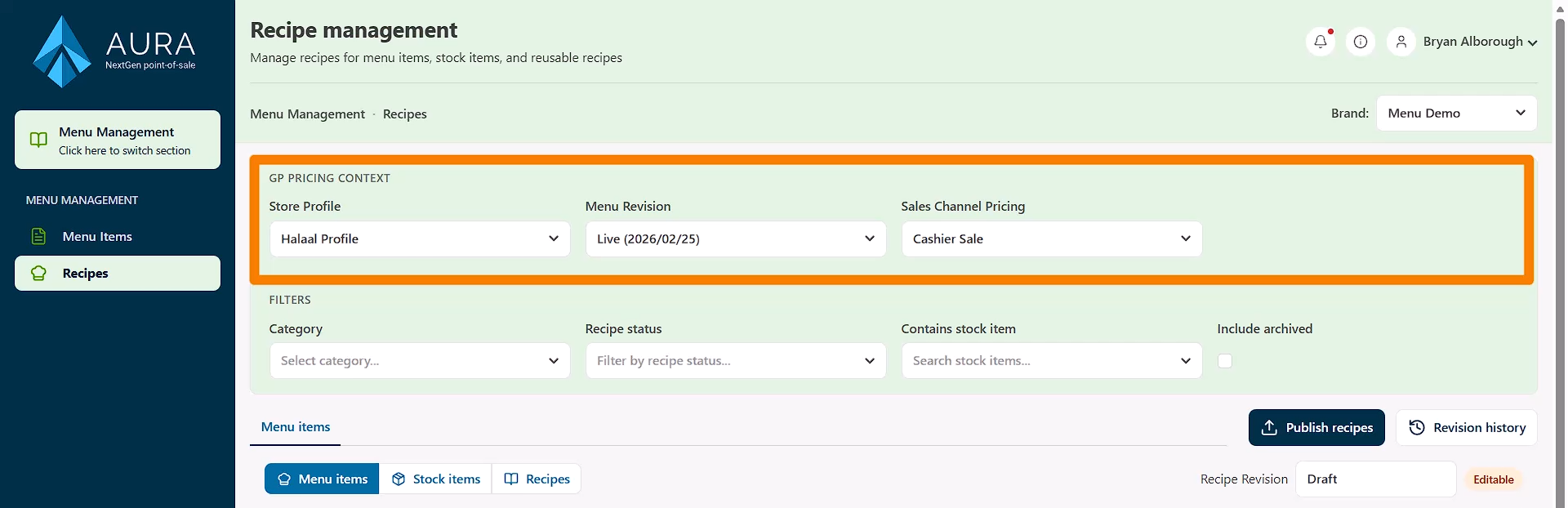
To get the most accurate GP figures and price ratios relative to recipe costs, configure the following:
- Select the Brand Profile to work with.
- Choose the menu version whose prices should be displayed.
- Set the Sales Channel pricing level.'
Filters
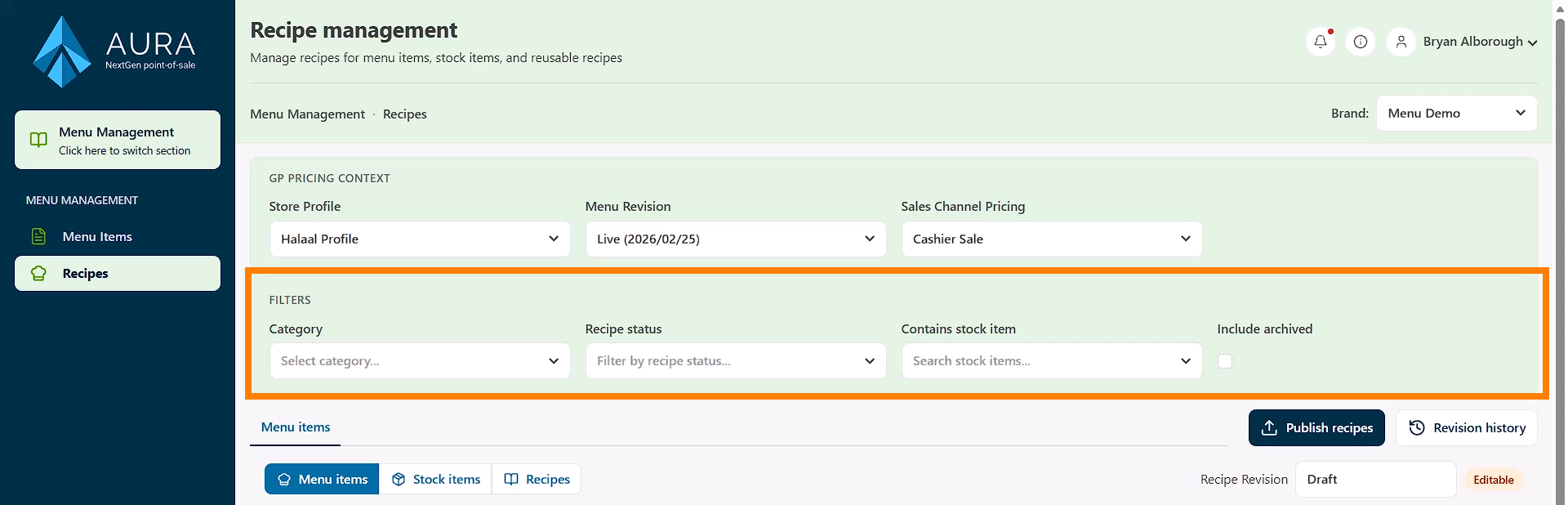
Below the pricing context options, the page can be filtered by:
- Menu category
- Recipe status — items with recipes, items without recipes, or all items
- Stock items used — to find recipes that contain a specific stock item
Viewing Recipes
The lower half of the page displays all menu items by default. The view can also be switched to show:
- All stock items — some of which may have associated recipes
- All recipes — a full list of recipes across the brand
Read-Only Mode
By default, the recipes shown are from the Published menu and are in read-only mode. Clicking on any listed menu item allows its recipe to be viewed, but no changes can be made from this view.