Clocking Staff and the Attendance screen
CounterPOS' Attendance screen shows your staff attendance register, and lets store staff clock in and out.
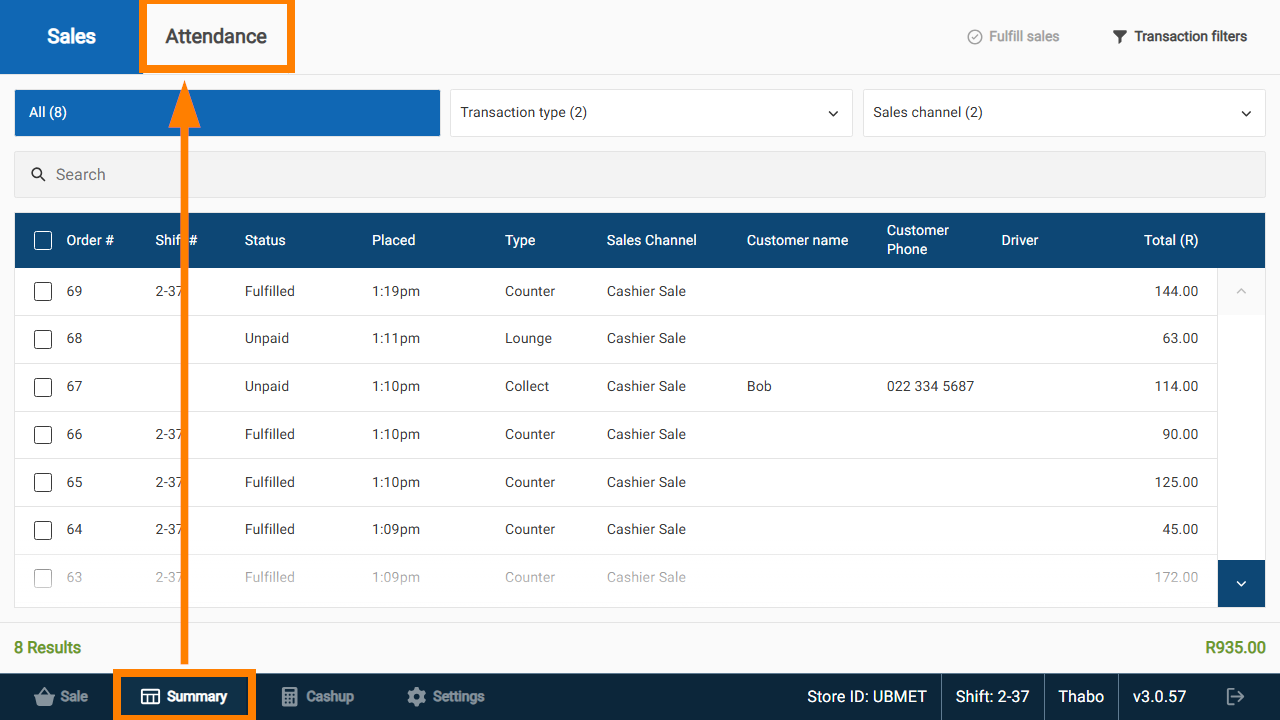
The Attendance screen can be accessed from the Summary tab on the CounterPOS footer.
- If you are logged in to CounterPOS, tap Summary, then tap Attendance at the top of the screen:
- If you are logged out, tapping Summary will bring you to the Attendance screen immediately
The Attendace screen displays a list of all staff that have clocked in. It displays their Name, the POS Shift they are working on, their Time in and Time out, and Hours worked.
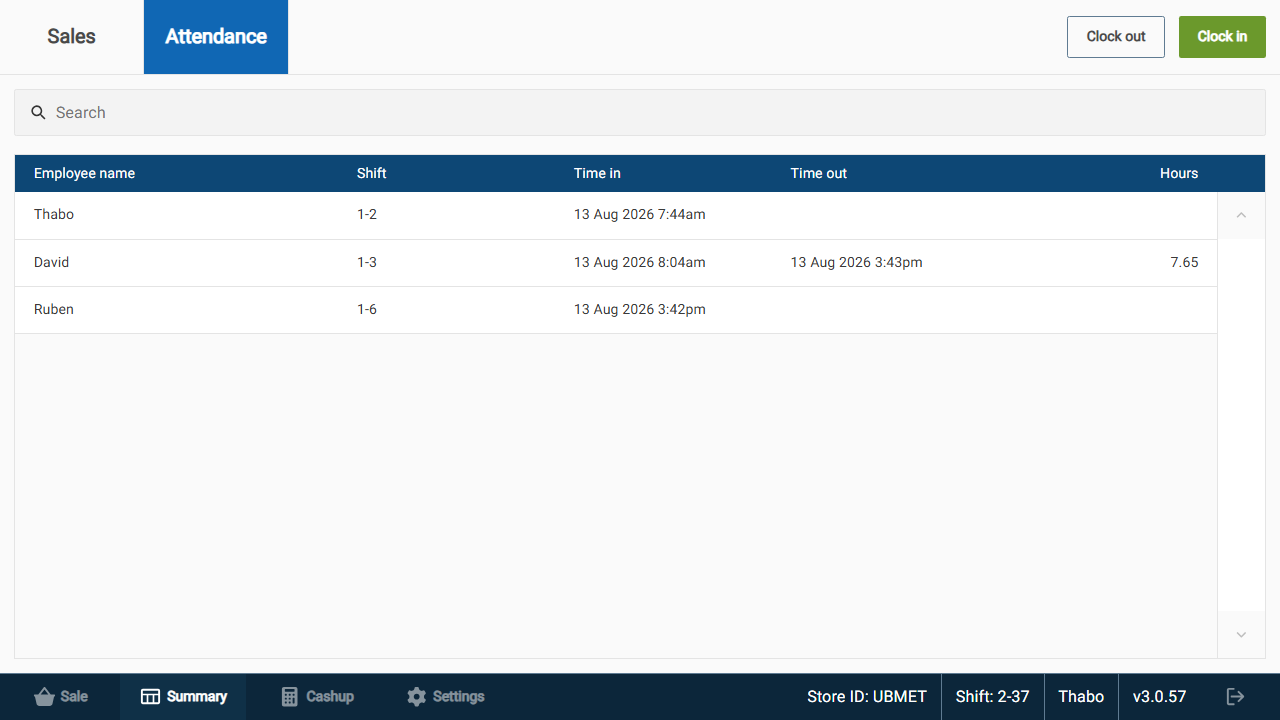
Users can use the Clock In / Clock Out buttons and enter their POS password to clock in or out as necessary.
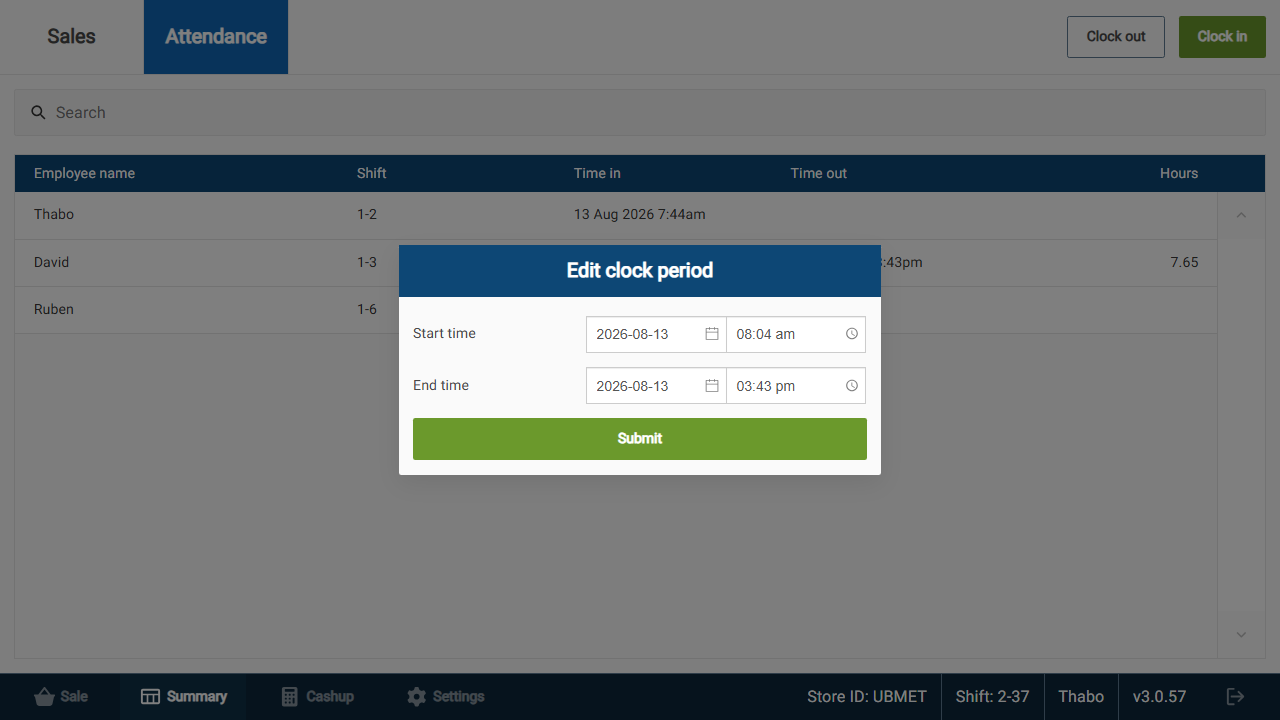
Users with the correct level of permission can edit a clock period by clicking on an entry.